Getting Started
Access, login, and complete the Setup wizard to create your first brand.
Getting Started
This guide helps you complete your first GEO Agent setup in about 15 minutes and start tracking your brand in AI search.
Access and login
| Item | Details |
|---|---|
| Production URL | https://geo.vidau.ai |
| Login | Vidau account (same as the main Vidau site) |
| Recommended device | Desktop browser; mobile works but complex editing is harder |
On the marketing homepage, enter your domain and click Get Started, or use Start Free Trial / Log in. After authentication you enter the Dashboard at /app.
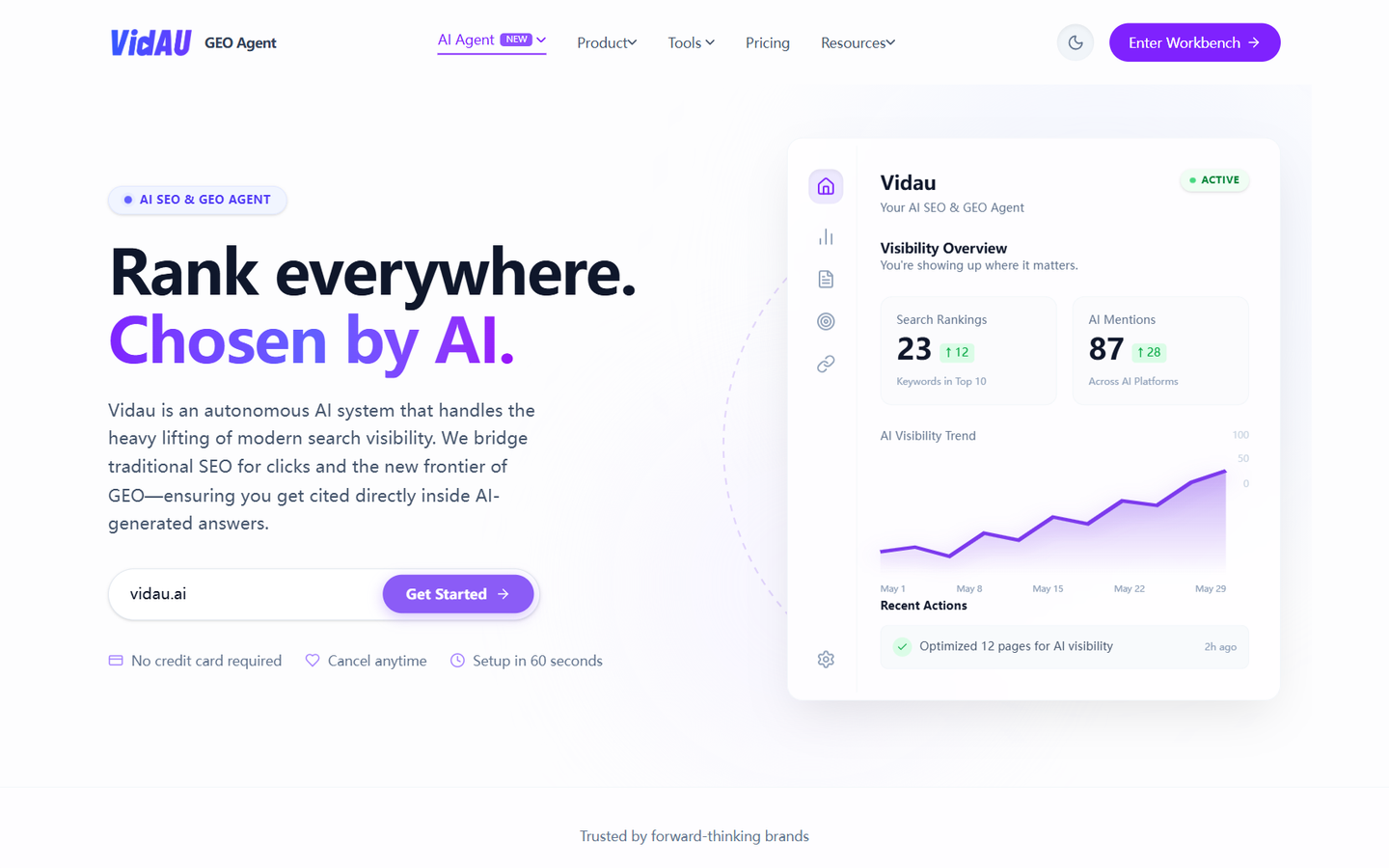
On first visit (or when adding a new site), the wizard walks you through:
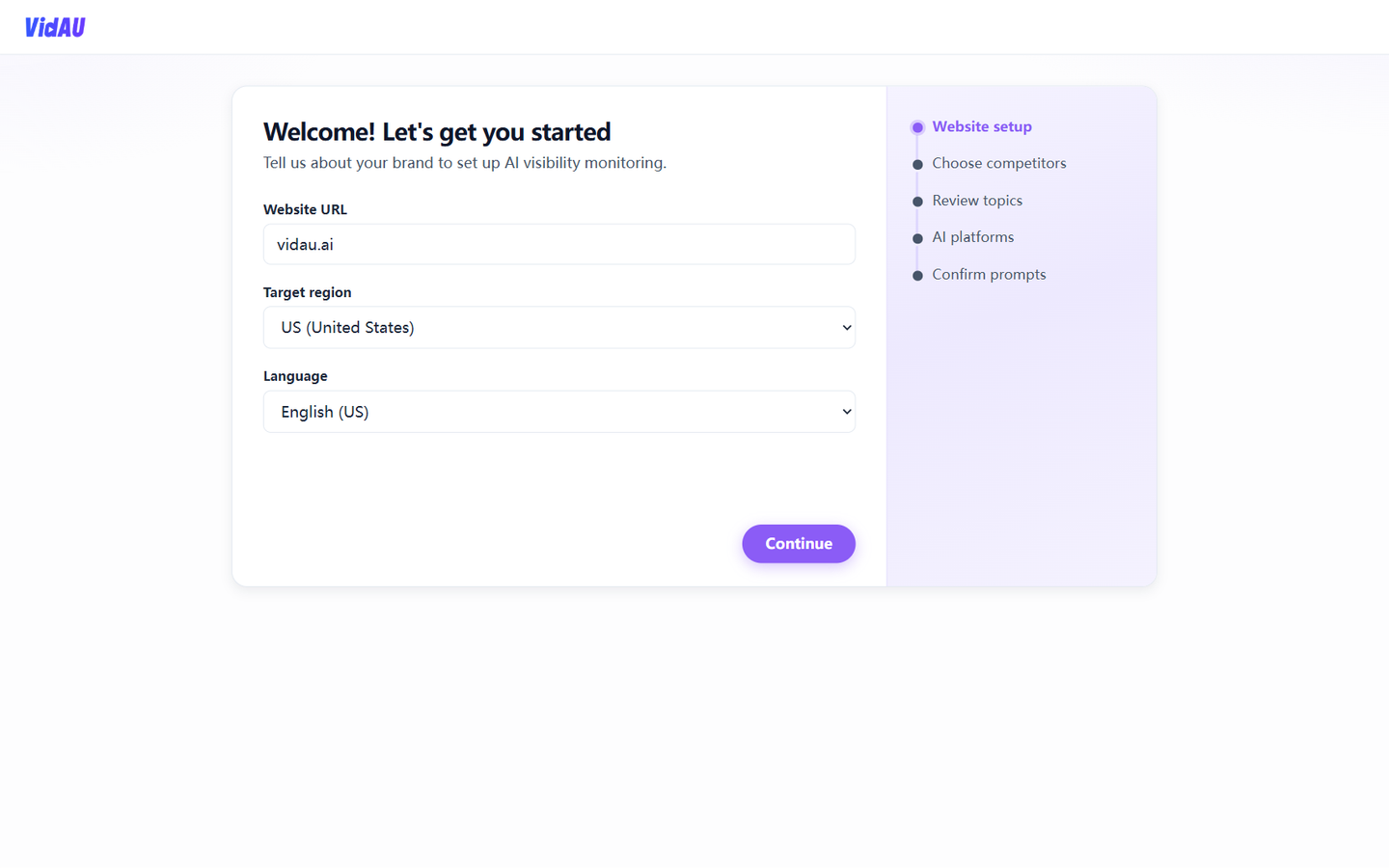
Step 1: Website setup
Enter your Website URL, Target region, and Language, then continue. The system validates the domain and starts analysis.
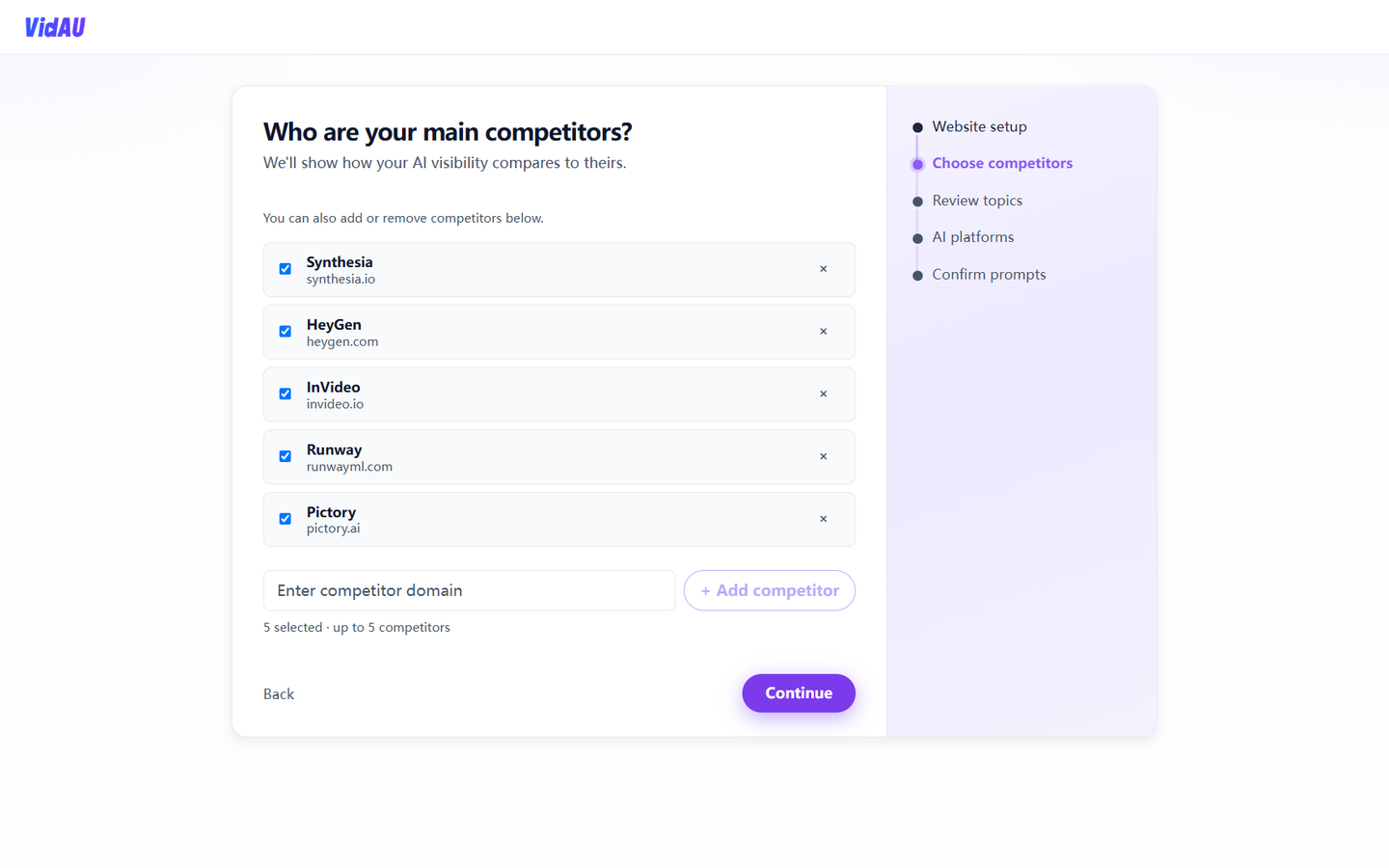
Review suggested competitors, select or add domains (up to 5). This powers AI visibility comparisons.
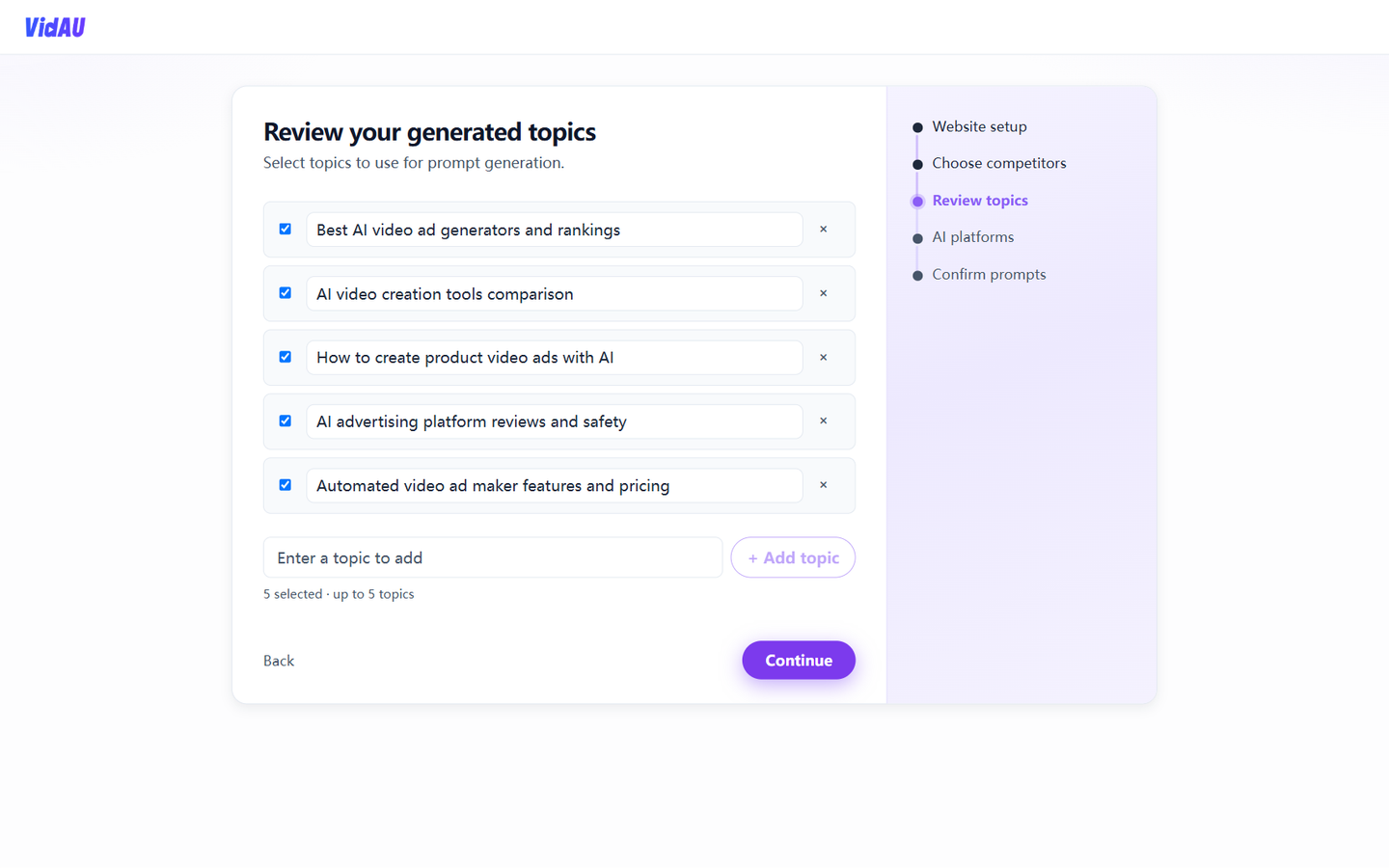
Select topics used for prompt generation (add or remove as needed).
Choose which AI answer engines to monitor (ChatGPT, Perplexity, etc.). You can change this later in Brand Profile.
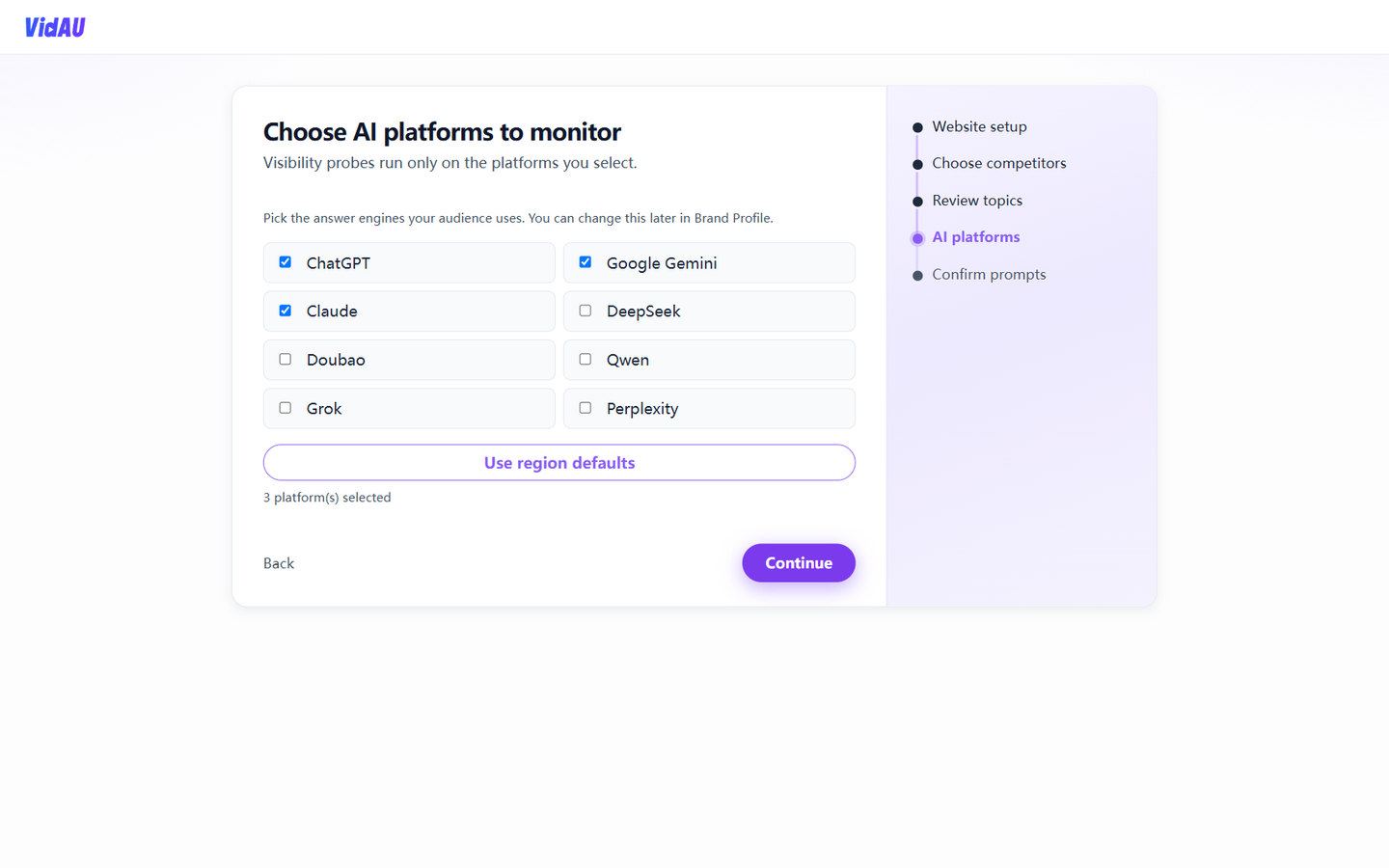
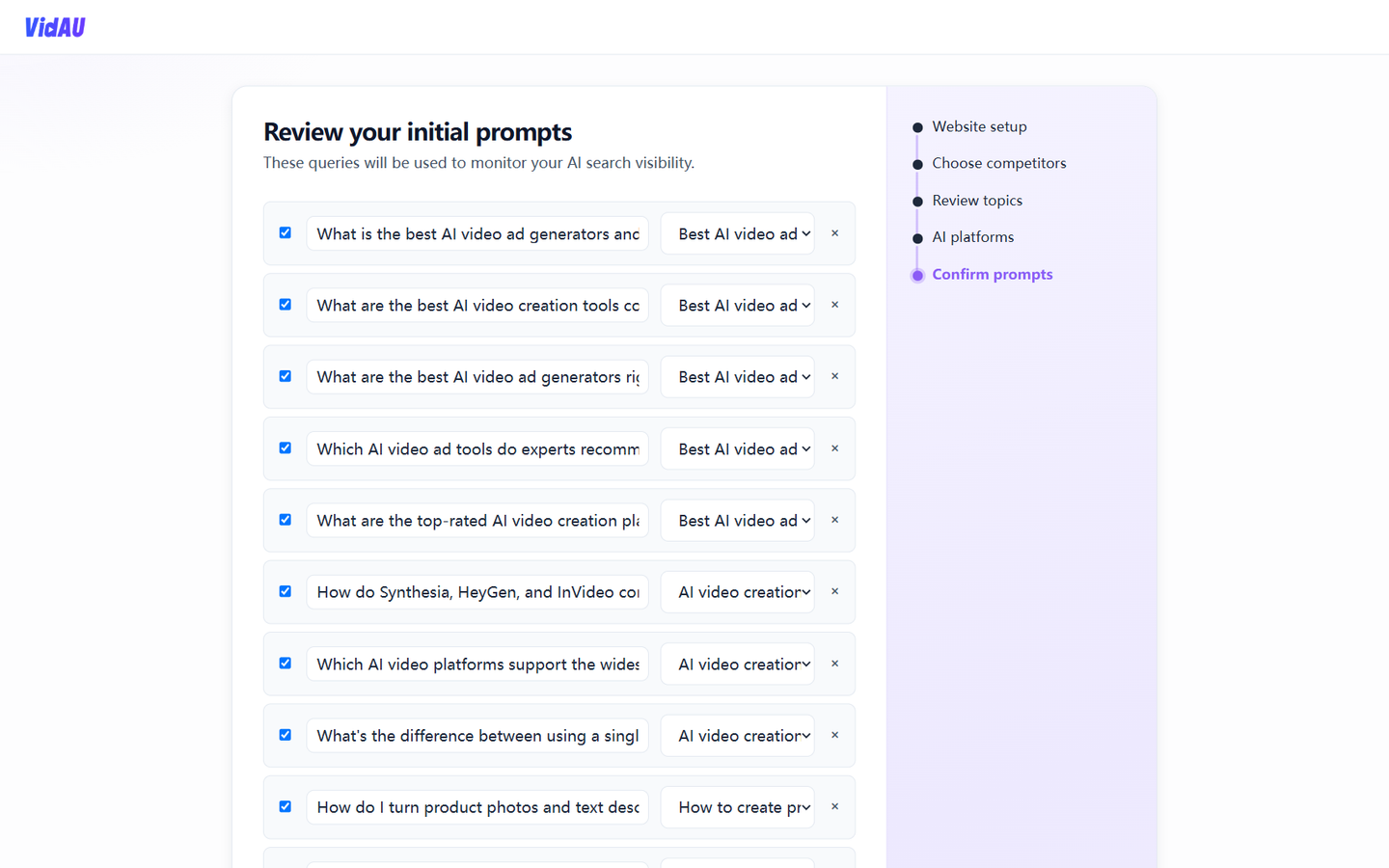
Review the initial prompt library, trim or add queries, then click Complete setup.
The system creates your brand workspace and redirects to Overview.
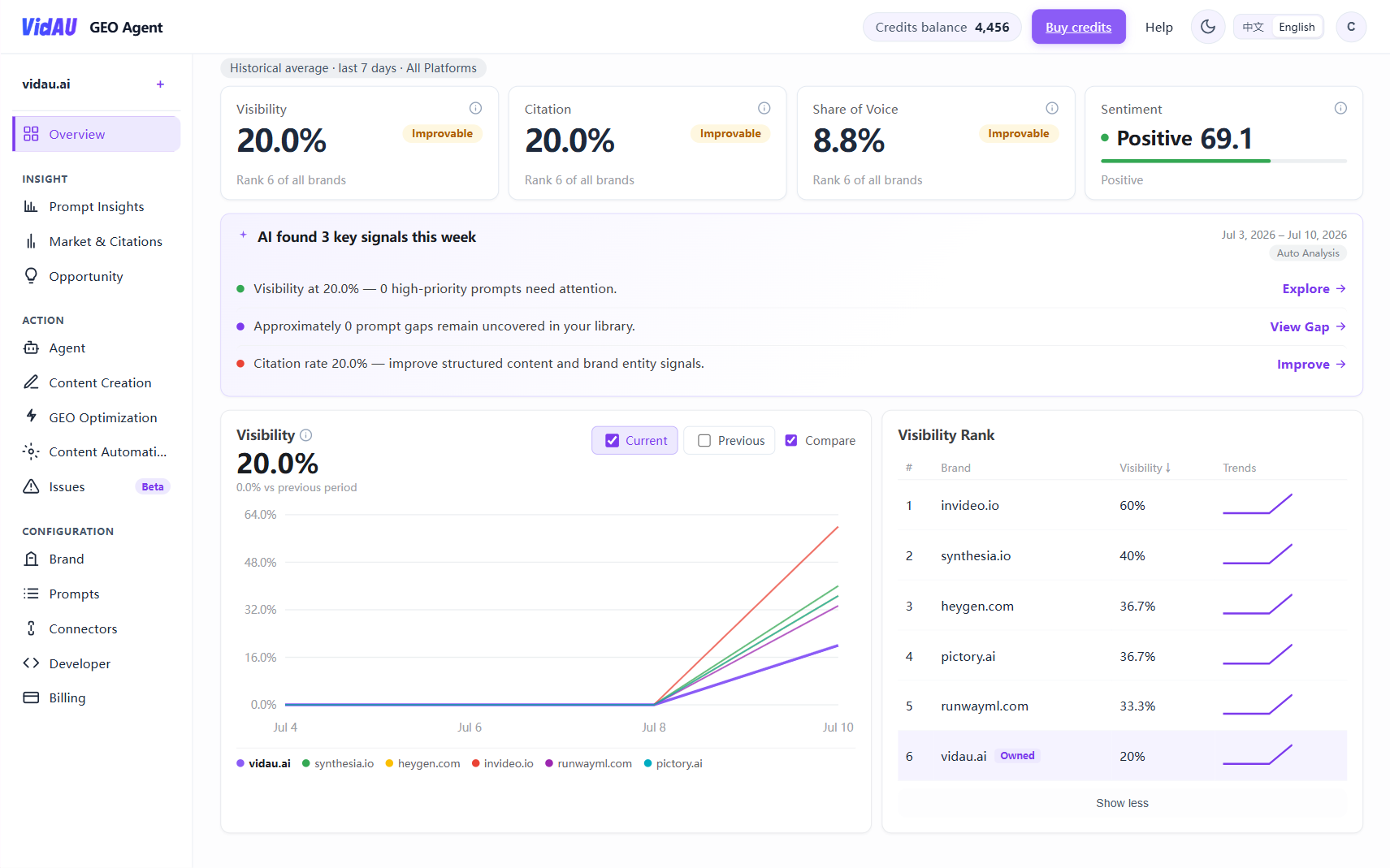
- Open Overview and confirm the active brand domain (top-left).
- Go to Prompt Management (
/app/workspace/prompts) to refine your tracking queries. - Follow First GEO loop (7 steps) — about 10–15 minutes.
Next
- Platform Overview — modules and See → Understand → Act
- FAQ